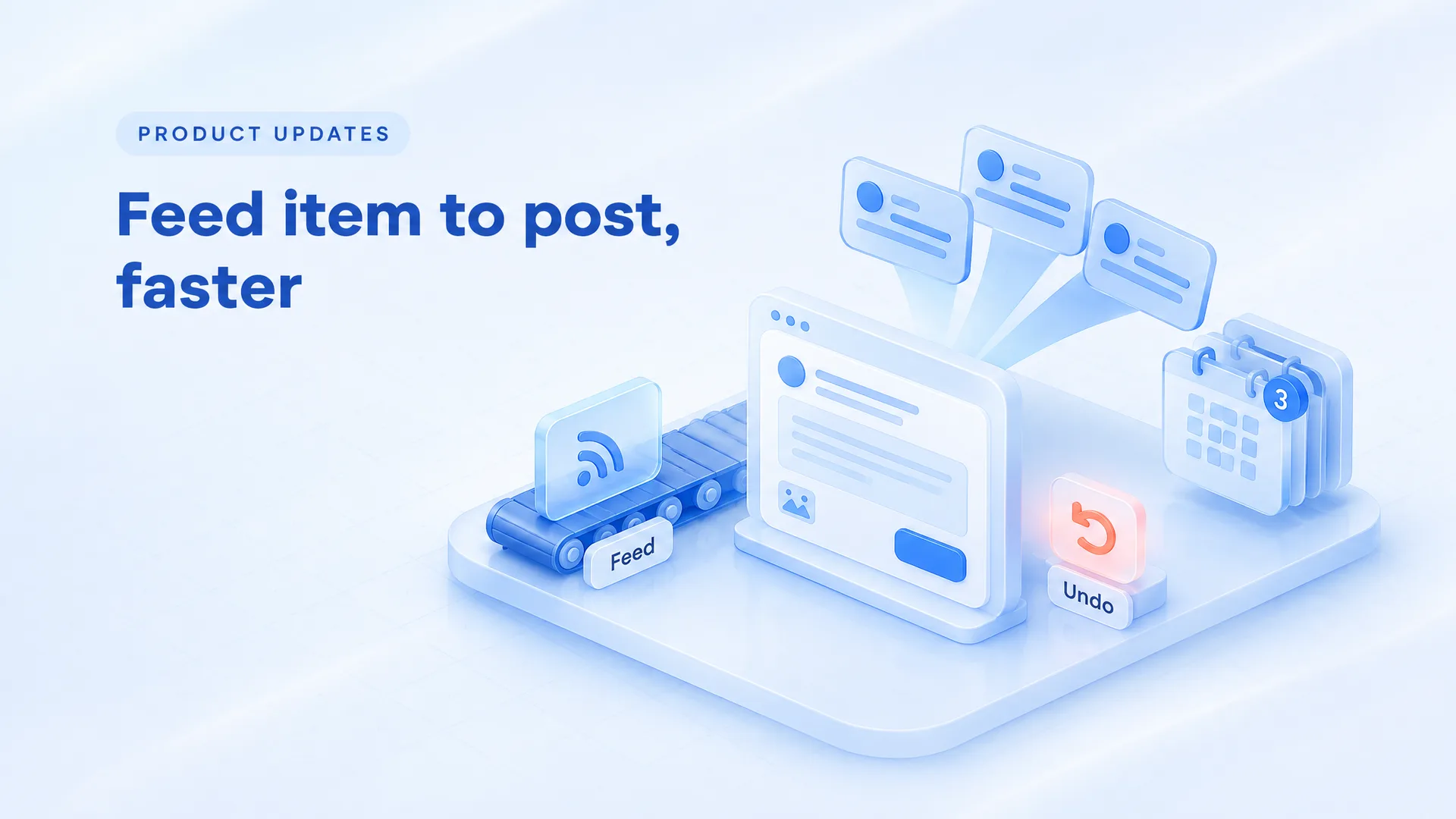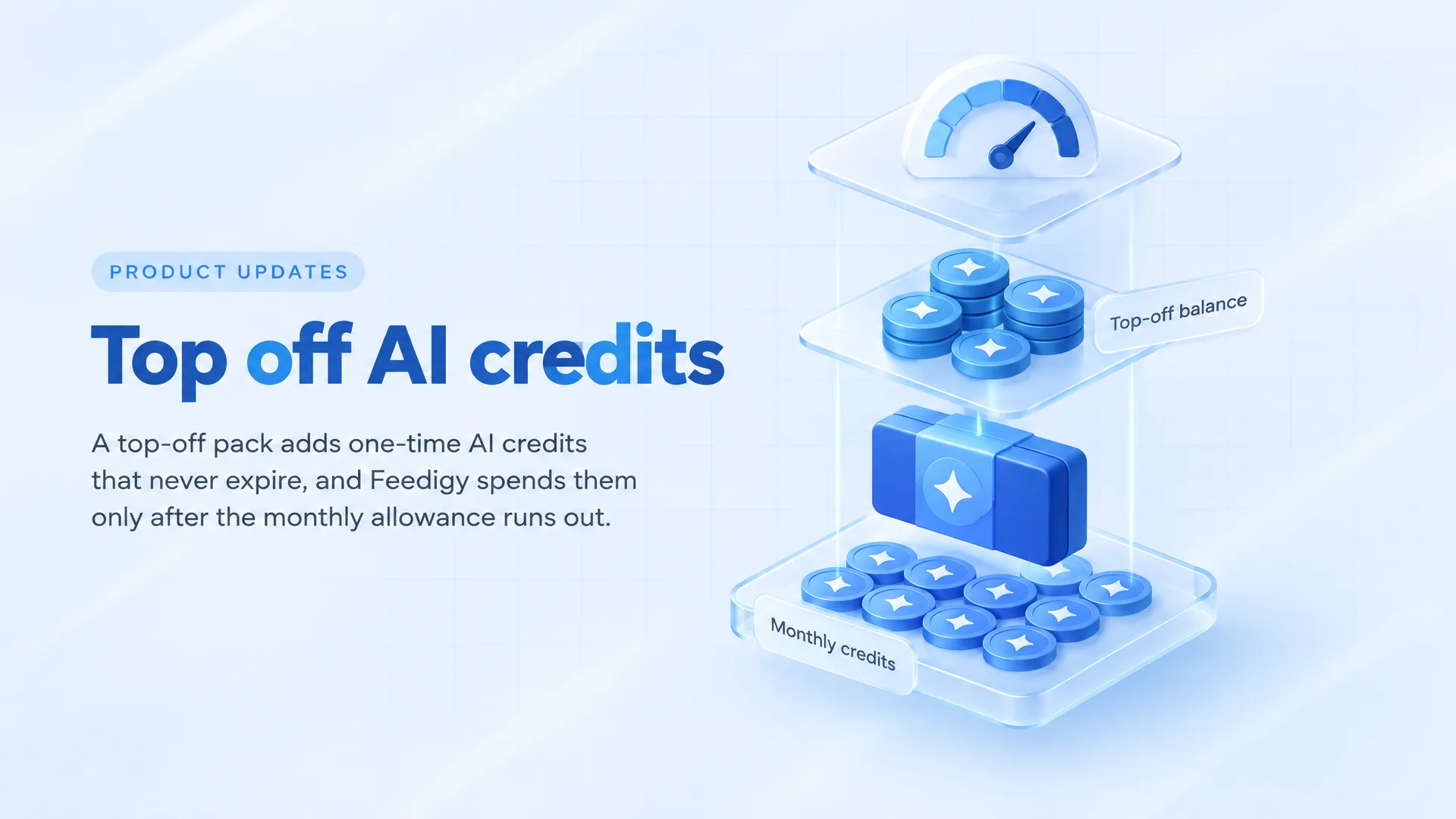























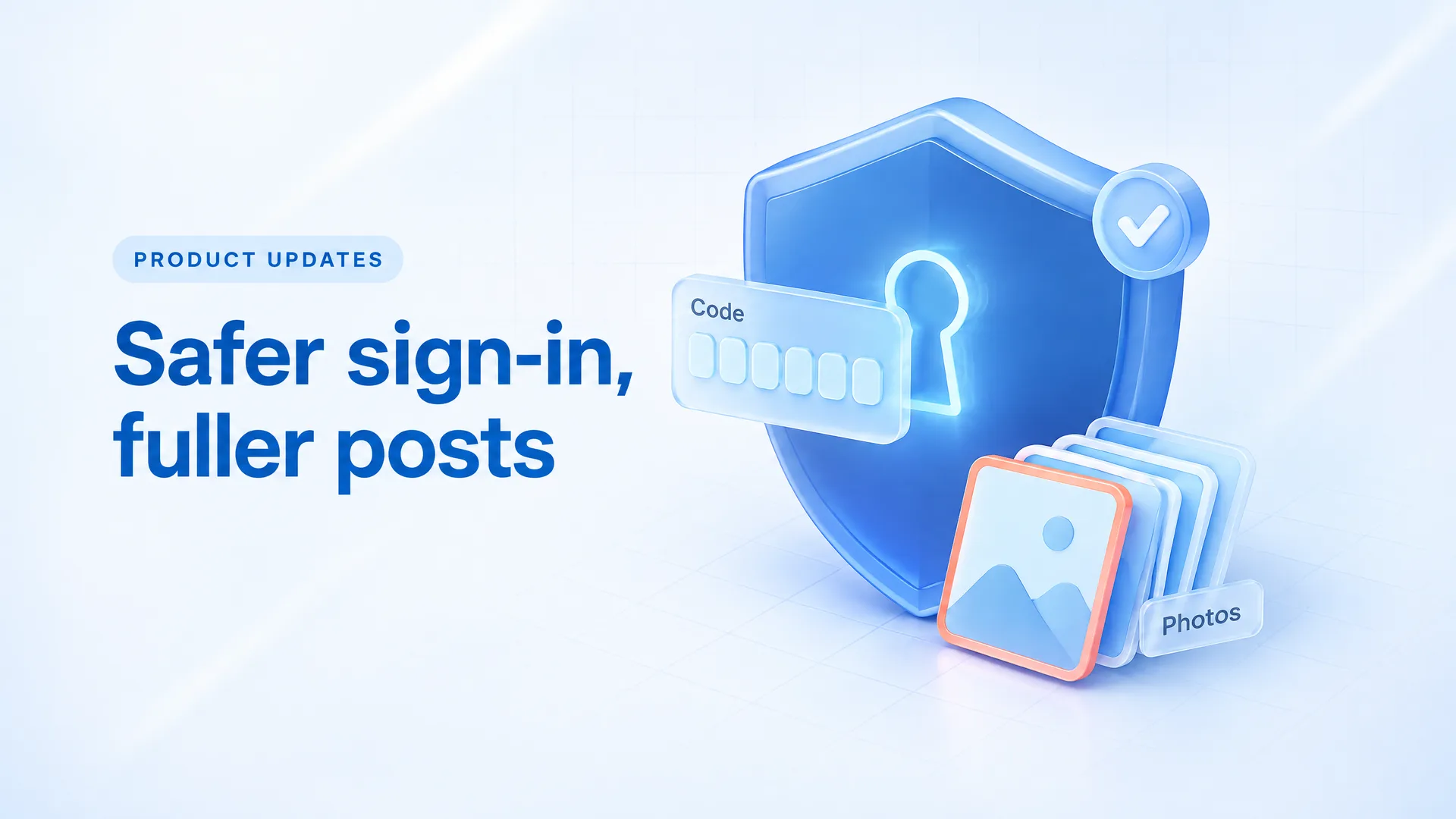
Say you run Bright Café, a small bakery that auto-posts its blog to Instagram, Facebook and Telegram. Last week you published a post with six photos of the morning pastry tray, and your Auto-Publisher sent one of them. This week, with one setting changed, the same post goes out as a six-image Instagram carousel, a Telegram album and a six-photo Facebook post.
That change is one of the Feedigy product updates this week. The same release adds two-factor authentication for your account and lets Febe answer product questions from our docs and blog, with links to the pages it used. The full API reference is now on the docs site too.
How do you turn on two-factor authentication?
Two-factor authentication (2FA) adds a second step to sign-in. After your password, Feedigy asks for a 6-digit code from an authenticator app on your phone. Anyone with a verified email can turn it on in Profile → Two-factor authentication.
Setup has three steps:
- Scan the QR code with your authenticator app, or type in the setup key.
- Enter the 6-digit code the app shows. 2FA turns on only after Feedigy accepts a valid code.
- Save your 8 one-time recovery codes. Feedigy shows them once.
When 2FA turns on, Feedigy signs out your other sessions. If you left Feedigy open on a shared office laptop, that session ends.
⚠️ Keep the recovery codes somewhere you can reach without your phone, like a password manager. Each code works once, in place of an app code.
Every way in asks for the code
From then on, every sign-in asks for a code: password, magic link, Google, Facebook, the registration confirm form, and the sign-in after a password reset. Nothing is signed in, and no "Remember me" cookie is set, until Feedigy accepts the code.
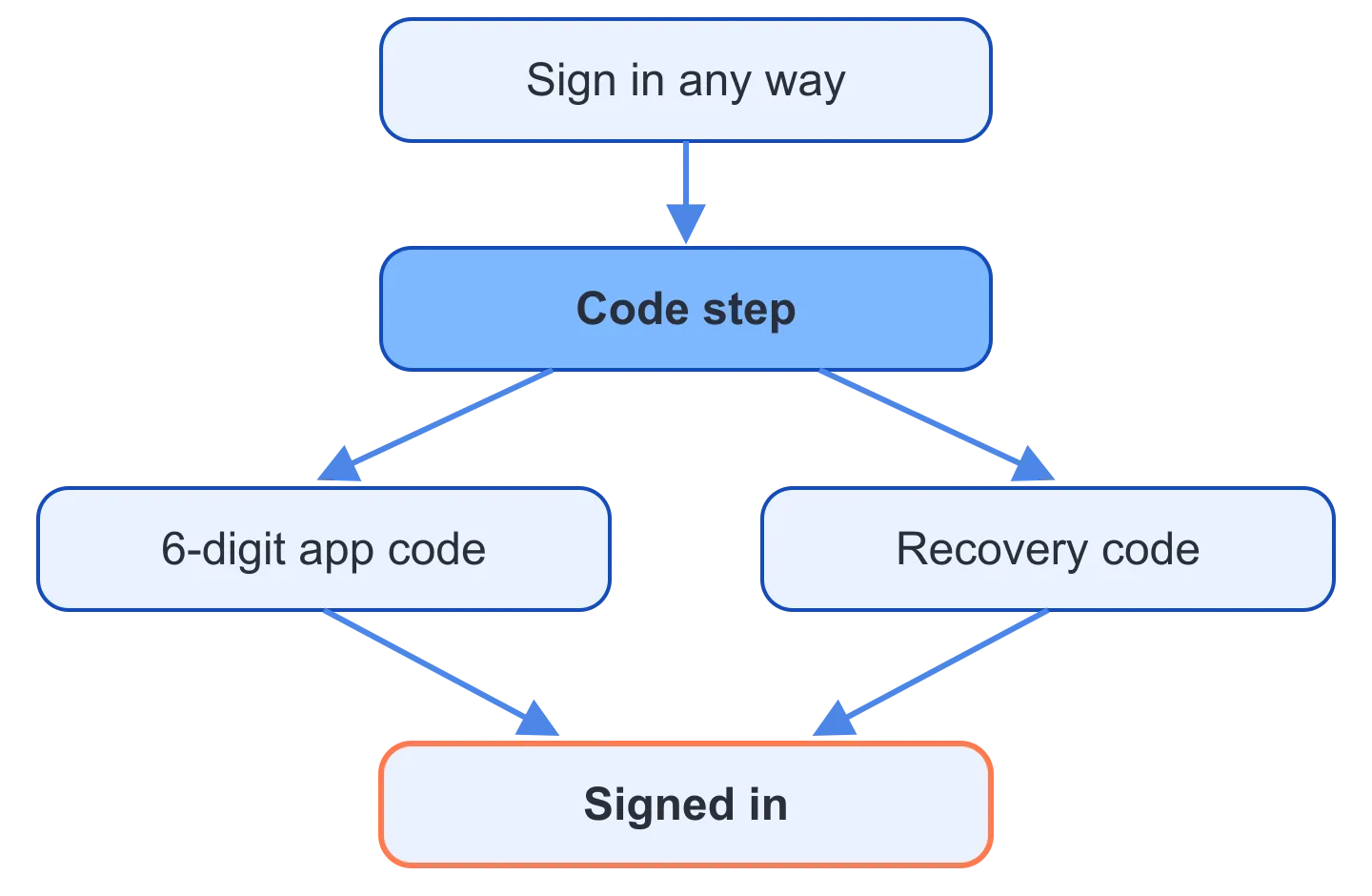
If you use the same laptop every day, tick Trust this device on the code step. That browser then skips the code for 30 days. Feedigy forgets trusted devices when you turn 2FA off, change or reset your password, or select Forget trusted devices. A 2FA reset by support clears them too.
Limits that stop code guessing
- An app code is refused if it is used again in the same 30-second window.
- The code step allows 5 wrong codes per minute and 50 per day. Past that, it locks until the day ends.
- A pending sign-in expires after 10 minutes.
Turning 2FA off, or generating new recovery codes, needs an app code or a recovery code. API tokens and MCP are not affected. Feedigy emails you when 2FA is turned on or off, when a recovery code is used, and when support resets your 2FA. And if you lose both your phone and your recovery codes, Feedigy support can reset 2FA for you.
Can an Auto-Publisher post every image from a feed item?
Yes, now it can. Open an Auto-Publisher and find the Images setting. It has two options: First image, which stays the default, and All post images.
With All post images, Feedigy collects pictures in this order: the item image, then its media images, then the images in the body and description. Each image appears once. Only full http(s) addresses count, so a relative path like /img/tart.jpg is skipped.
Each network has its own cap:
| Destination | Max images | Posts as |
|---|---|---|
| 10 | Carousel | |
| Telegram | 10 | Album |
| 10 | Multiple photos | |
| 9 | Multiple photos | |
| X | 4 | Multiple photos |
Bright Café's six-photo post fits under every cap except X, where only 4 of the 6 go out. A post with only one image still goes out as a single photo. The preview in the Auto-Publisher form shows a multi-image grid, so you can check the layout before you save.
Before this update, Bright Café's six-photo post could arrive looking like this.
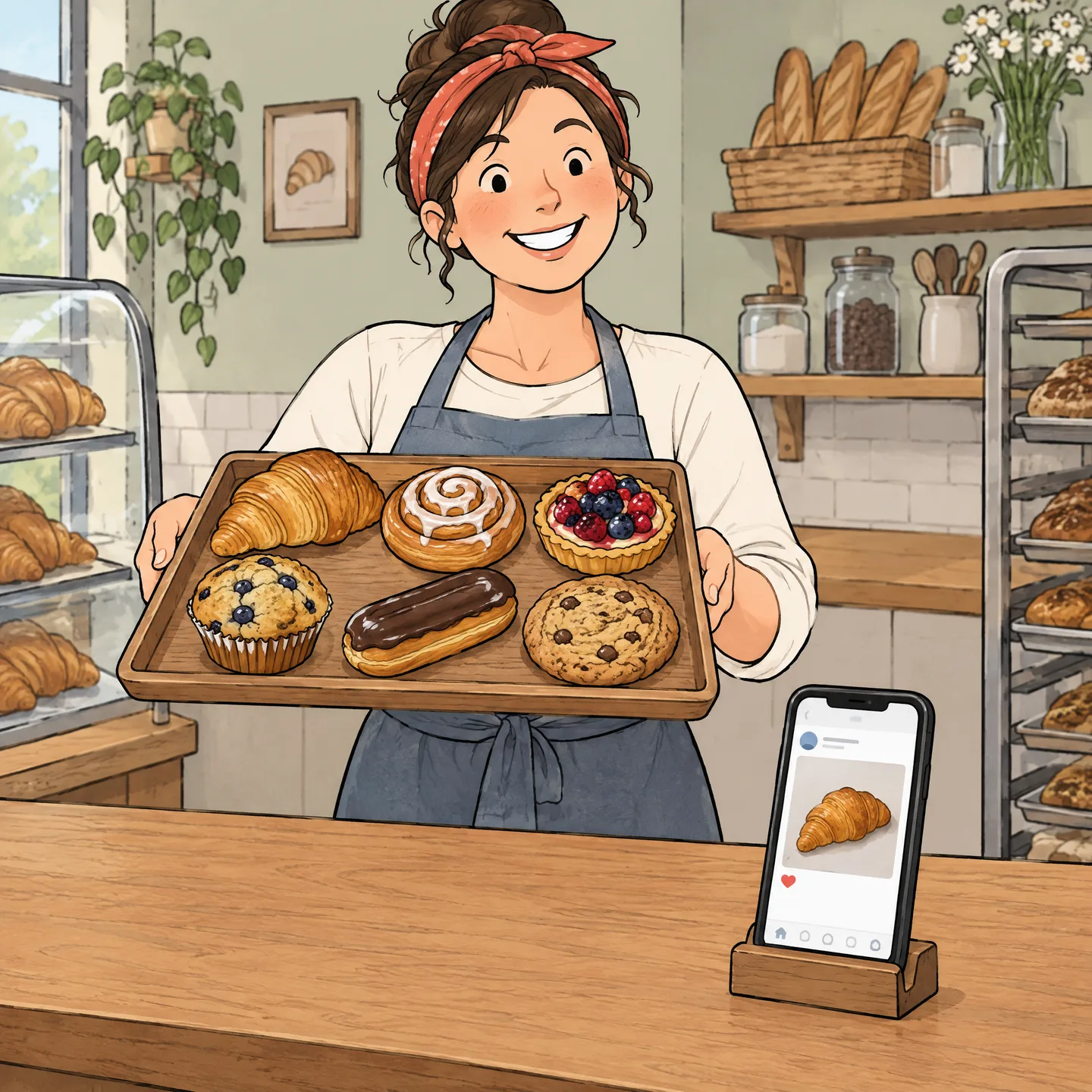
Two networks get extra handling. On Instagram, Feedigy waits for every image to finish processing before it creates the carousel. If the publish outcome of a carousel is unknown, Feedigy never rebuilds it, so you won't see the same post twice. On LinkedIn, if one image upload fails part-way, Feedigy publishes the images that did upload.
Read more in What are Auto-Publishers, Instagram posting automation and Telegram posting automation.
Febe now answers from our docs and blog
Febe is the AI assistant on every page of Feedigy. Ask it a product question, say "How do I set up a Telegram Auto-Publisher?", and Febe finds the 3 best-matching pages in our published docs and blog. It answers from their text and names the page it used. Under the answer, a source card for each named page shows the title, a short excerpt and a Docs or Blog label, and links to that page. If the pages don't hold the answer, Febe says so instead of guessing.
A few more things work from any page. "Latest blog posts" lists our newest posts. Ask Febe to find feeds on a topic (sourdough, local events, coffee news) and it runs the Discover search for you.
Where Febe opens depends on your screen. On screens 1024px wide or more, Febe opens docked as a column beside the page. A header button switches between docked and floating, and your browser remembers the choice. Narrower screens use the floating sheet.
Inside a composer, for a channel post or an original feed post, Febe sees the text you're editing, up to 8,000 characters. "Rewrite this post" works without pasting anything. On the channel post composer, a rewrite comes with Use in editor, which replaces the text of the tab you're on.
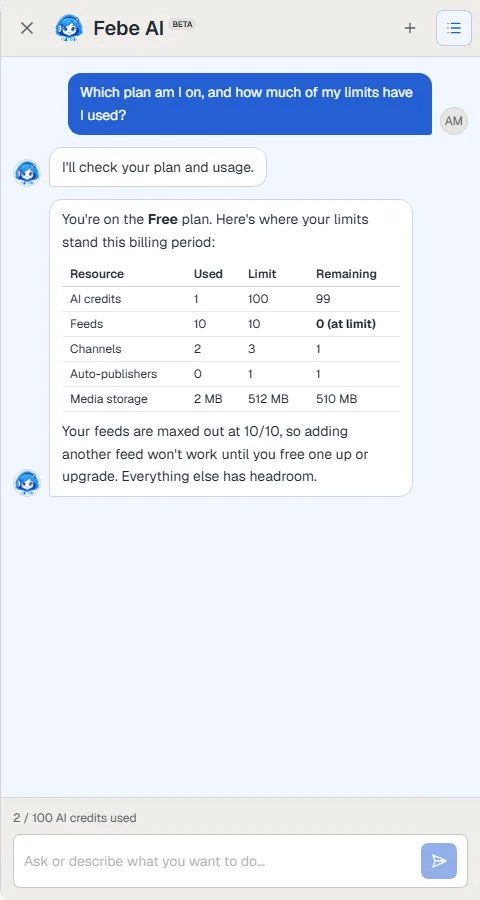
Febe also answers questions about your own account. Here it is answering "Which plan am I on, and how much of my limits have I used?" with a table of AI credits, feeds, channels, auto-publishers and media storage.
The full guide is in How to use Febe AI.
Where is the API reference?
If you build on Feedigy, the API reference now lives on the docs site. It lists every endpoint with its parameters, request and response fields, token abilities, errors and webhook events. You also get a quickstart guide, a policies guide and a download of the raw openapi.json file.
Smaller Feedigy product updates in 0.9.44
- New 404 and error pages with a large status code across the app, marketing site and docs.
- Auto-Publisher forms get destination defaults, body length sliders, instant renaming and full log text on hover.
- Multi-word tags become CamelCase hashtags on social destinations, so
New Yorkturns into#NewYork. - Email digests get a slider for the number of posts and link text you can change (it defaults to "Read more").
- App pages load faster because they now render on the server.
- The marketing site is now available in Russian at
/ru.
Questions about these Feedigy product updates
Will my Auto-Publishers start posting every image on their own?
No. First image stays the default. Set Images to All post images on each Auto-Publisher where you want it.
Does two-factor authentication affect my API tokens or MCP?
No. API tokens and MCP keep working as before when you turn 2FA on.
What if I lose my phone and my recovery codes?
Contact Feedigy support. They can reset 2FA for you, and you'll get an email when they do. The reset also clears your trusted devices.
Can a multi-image Instagram post go out twice?
Feedigy never rebuilds a carousel whose publish outcome is unknown, so it won't create a duplicate. It also waits for every image to finish processing before it creates the carousel.
What does Febe do when the docs don't cover my question?
It tells you the pages it found don't hold the answer, and it doesn't guess.
What's next for your feeds?
Every release is in the full changelog, including all past Feedigy product updates. To post every photo from your own blog, create your Feedigy account.