





















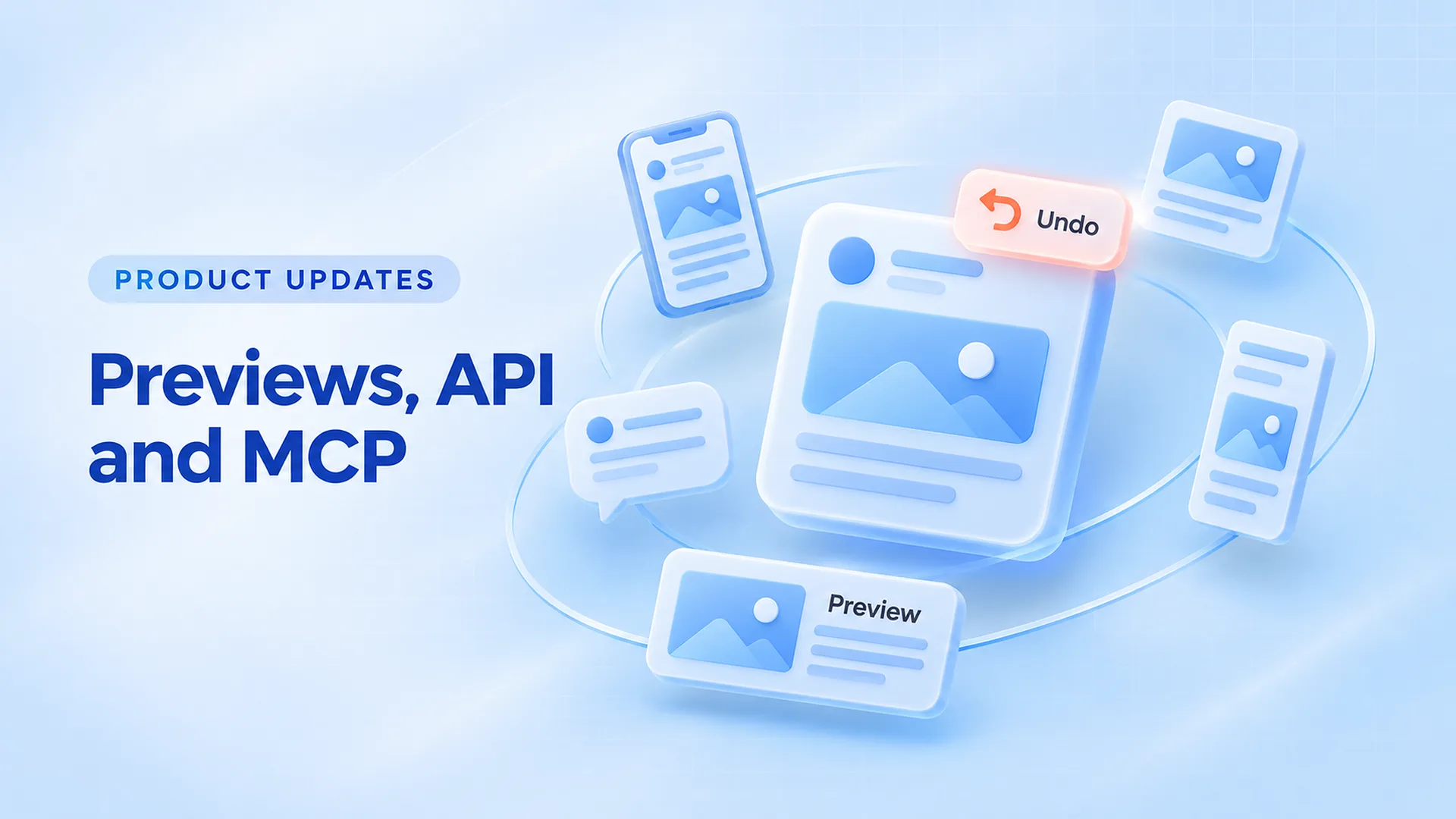
The Feedigy product updates in versions 0.9.45 to 0.9.48 (November 17 to 22, 2026) turn on the Feedigy API and the MCP server, draw every social media post preview like the platform's own feed, and give Publish Now a 5-second Undo. Channel posts also take up to 20 images on LinkedIn. The full list is in the changelog.
Picture it at 9:58, with a webinar reminder due at 10. You paste the text into the channel post composer, pick LinkedIn and X, and click Publish Now. The Undo toast appears and its bar starts to drain. Then you remember that the date sits below LinkedIn's three-line fold. You click Undo. Nothing goes out, and the post is still in the composer.
Can I connect my own tools or Claude to Feedigy now?
Yes. The Feedigy API (v1) is live at api.feedigy.com/v1, and the MCP server is at api.feedigy.com/mcp. Both use the same tokens and the same limits.
To make a token, open Settings → API, name it, tick only the abilities it needs and set an expiry date if you want one. Feedigy shows the token once, so save it right away. A token with no ability ticked gets read abilities only.
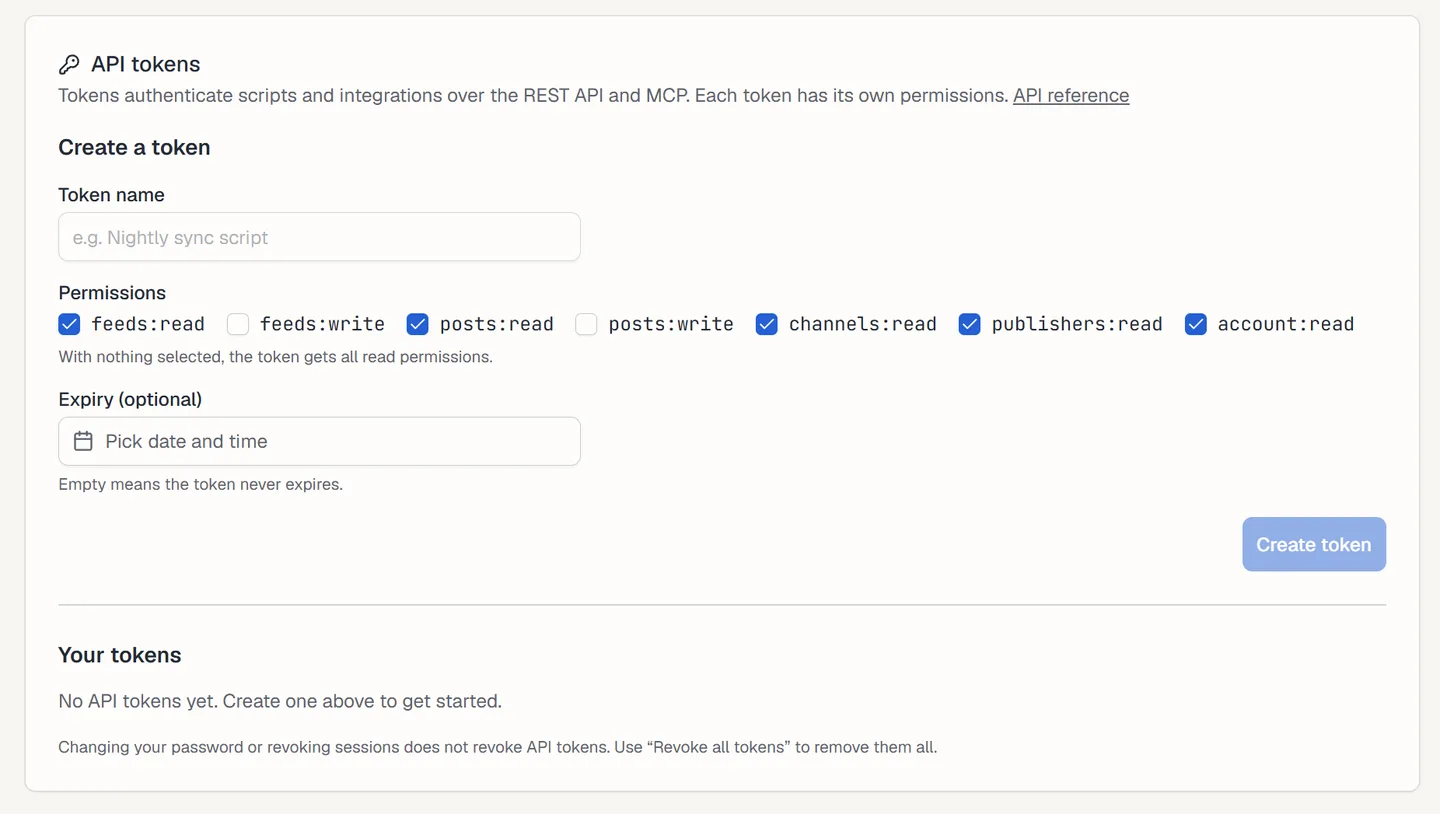
Every API request sends the token as a bearer:
Authorization: Bearer <your-token>
If your plan doesn't include API access, the API answers with a 403. The API reference lists the endpoints.
MCP lets an AI tool such as Claude work with your account. It can read your feeds, posts, Auto-Publishers, channels and plan usage. It can also propose new Original Feeds and draft posts, and nothing is created until the confirm call goes through. It cannot publish, delete, run an Auto-Publisher or use AI credits. Say you ask Claude for a draft post about your newest feed item: it reads the feed, prepares the draft, and the draft exists only once the confirm step goes through.
The connection uses streamable HTTP with the same bearer header. There is no OAuth sign-in for MCP. Setup steps are in the MCP docs.
Does the social media post preview look like the real platform?
Yes. The previews for Facebook, X, LinkedIn, Instagram and Telegram are each drawn like that platform's own feed, with its image layout, its text fold ("...more" or "See more") and its action bar. You get the same preview in the channel post composer, the Auto-Publisher form and the calendar post preview, so a post looks the same wherever you check it.

Here is what each preview shows:
- Facebook has the "See more" fold, a photo collage and a Like, Comment and Share bar.
- X uses the timeline layout, a grid of 1 to 4 images and the action row.
- LinkedIn gets a LinkedIn-style header, a three-line fold with "...more", an image mosaic, the action bar and a comment box.
- Telegram shows the channel header, the wallpaper, message bubbles and a link preview. Long text splits into parts, and each part gets its own bubble.
- Instagram shows media at the first image's aspect ratio, clamped between 4:5 and 1.91:1, with letterboxing. Drag or swipe between carousel images, or use the arrows and dots. When the preview is wide, media and caption sit side by side, and tags come after the caption, as in the published post.
Watch the fold first. LinkedIn shows three lines before "...more", and Facebook stops at "See more". If the date, the offer or the link sits below that point, move it up while you can still see the problem.
The preview is live. It changes as you edit the text and when you switch to another channel, and it shows a link card when no image is attached. Formatting follows each platform too. On Facebook, X, LinkedIn and Instagram, bold and italic appear as Unicode characters. Telegram gets native markup.
💡 Writing in Russian? On those four platforms, Cyrillic text stays plain, so use line breaks for emphasis.
Can I undo Publish Now?
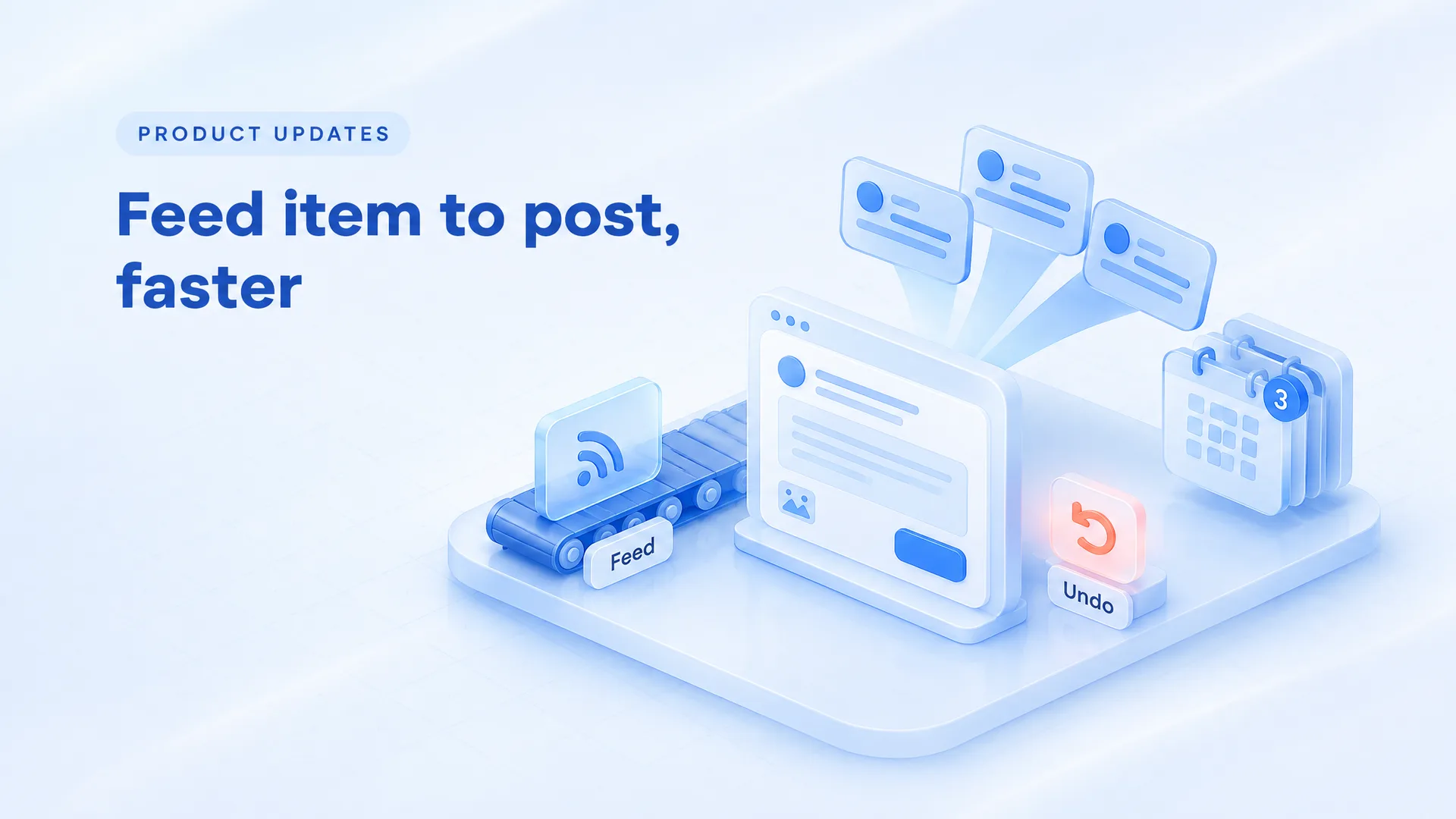
Yes, for 5 seconds. After you click Publish Now, Feedigy waits 5 seconds before it submits the post, and an Undo toast with a draining bar shows the time left. Click Undo and nothing is sent. The composer keeps your post, so you can fix it and publish again.
Need a longer look? Hover over the toast and the bar pauses. Leaving the page during the window also cancels: if you close the tab or follow any link in the app, the post is not sent.
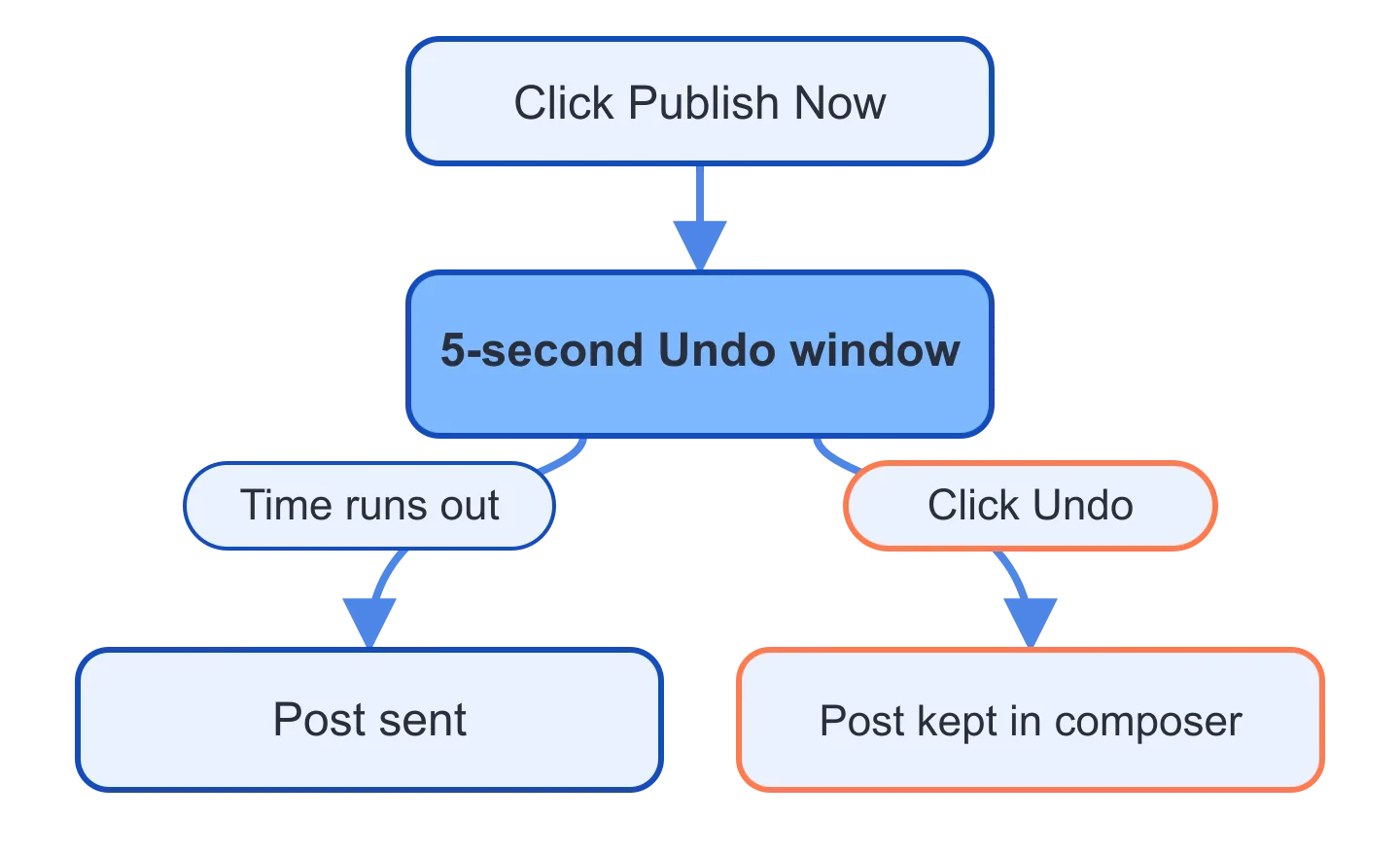
⚠️ Once the 5 seconds run out, nothing rolls back. Check the preview before you click, or during the countdown.
The wait applies to Publish Now only. Next Available Slot (which adds the post to your queue) and Schedule post submit at once. Save as Draft saves without sending.
After you click Publish Now, a status dialog lists each channel. A channel shows Sending while it works, then a tick with a link, a cross with Retry, or an Outcome unknown warning.
How many images can one channel post have?
LinkedIn now takes up to 20 images in one channel post. Facebook, Instagram and Telegram take up to 10, and X takes up to 4. These limits apply to the channel posts you write in the composer.
How the images go out depends on the channel. On LinkedIn, 2 or more images post as one multi-image post. On Instagram, 2 or more become a carousel, with an aspect ratio between 4:5 and 1.91:1. Telegram sends a single image on its own, or 2 to 10 as a media group.
Say a workshop left you with 14 photos. All 14 fit in one LinkedIn post. Everywhere else, you pick the ones that make the cut.
Smaller improvements in these Feedigy product updates
- AI Studio adds 10 image models (Kling Image 4.0 and 4.0 Long, MiniMax H3 Image, Seedream 5.5, Qwen Image 3 Pro, Wan 2.7 Image Pro, Imagen 4 Fast and Ultra, FLUX.2 Flex and Grok Imagine), and the model picker's hover card shows each model's release date.
- The reworked channel post composer has a split publish button whose main action repeats your last timing, channel errors under the avatars, autosave status in the footer and an Add media button in the editor's lower-left corner.
- You can no longer disconnect a channel that a running Auto-Publisher uses, and the dialog lists those Auto-Publishers.
- Instagram channel posts no longer make you wait 2 to 3 minutes.
- LinkedIn Auto-Publisher posts to a personal profile with several images wait once after all the uploads finish, instead of 5 seconds per image.
- In the Auto-Publisher form, you can click the AI signature placeholders to add them, and the AI signature keeps only
{title}and{body}.
Try these Feedigy product updates
Create a Feedigy account and preview your next post the way each platform's feed draws it.
Every release is in the changelog, including the two before this one: Feedigy product updates: Post to channels and Undo and Feedigy product updates add 2FA and multi-image posts.