
Vimeo feeds
Это содержимое пока не доступно на вашем языке.
A Vimeo feed is a smart feed of Vimeo videos. Each video becomes a feed item with its title, thumbnail and author. Use it to share new videos from your own Vimeo account, or to collect videos on a topic.
Create a Vimeo feed
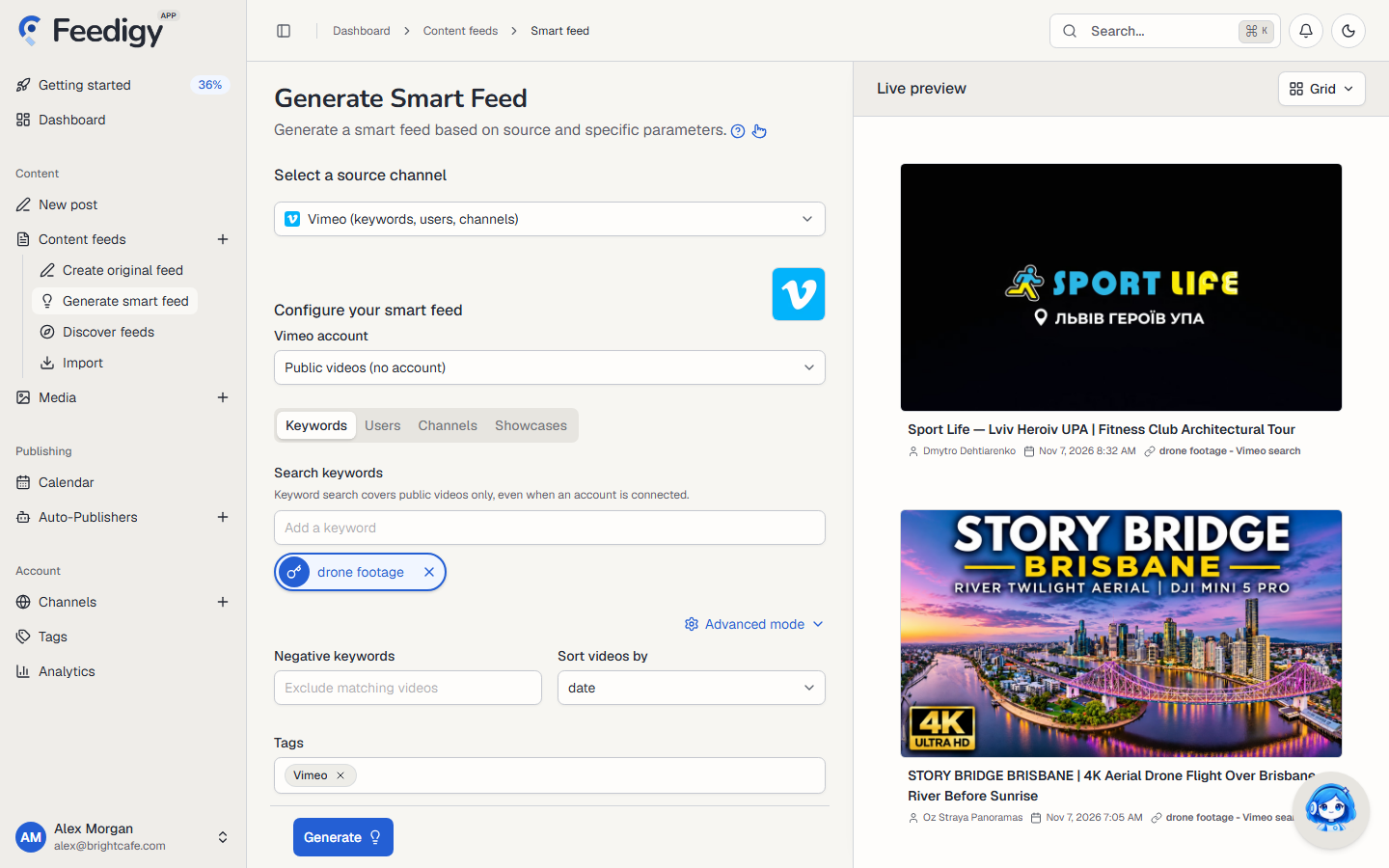
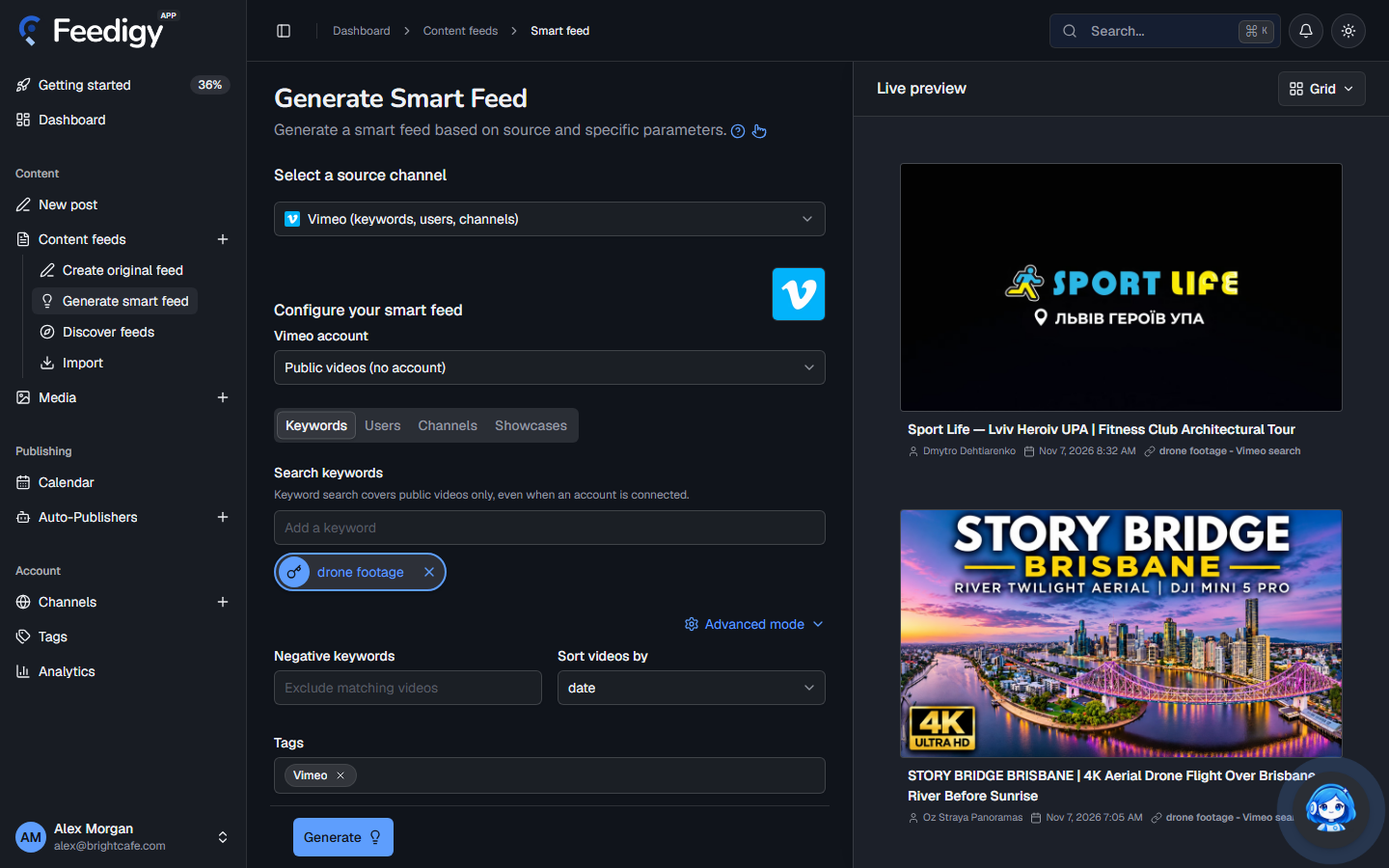
Section titled “Create a Vimeo feed”- Open Content feeds in the sidebar, then Generate smart feed.
- In Select a source channel, choose Vimeo.
- In Vimeo account, keep Public videos (no account) or pick your connected account (see below).
- Choose Keywords, Users, Channels or Showcases, and add what to follow.
- Check the videos in Live preview on the right.
- Select Generate.
With or without a Vimeo account
Section titled “With or without a Vimeo account”- Public videos (no account): works straight away, for any public video on Vimeo.
- Your Vimeo account: select Connect Vimeo account in the account list, or connect it on the Vimeo channel page. With an account, the Users tab adds My videos, and you can tick Include my private videos.
Be careful with private videos. Every smart feed has a public address. If you include private videos, anyone who has the feed address can see their titles, descriptions and thumbnails. The feed also stops updating when your Vimeo sign-in expires, until you reconnect.
What to follow
Section titled “What to follow”| Tab | Add | You get |
|---|---|---|
| Keywords | A search, for example drone footage. Press Enter. |
Public videos that match. Keyword search never includes private videos. |
| Users | Search for a Vimeo user and pick them, or pick My videos. | The user’s videos. |
| Channels | Search for a Vimeo channel and pick it. | The channel’s videos. |
| Showcases | Paste a showcase address or ID. | The videos in the showcase. |
You can add up to 10. Each one becomes its own feed. Select one to preview it alone.
Advanced mode
Section titled “Advanced mode”- Filter keywords (users, channels and showcases): keep only videos that match one of these words.
- Negative keywords: skip videos that match any of these words.
- Sort videos by: Date, Plays, Likes, Comments, Duration or Title. Keyword searches can also sort by Relevance, and showcases by Showcase order. Title sorts A to Z; the others put the highest first.
- Tags: tags for the new feeds. Vimeo is added for you. See Tags.
After you generate
Section titled “After you generate”The new feeds appear on the Content Feeds page with the Smart type. Feedigy refreshes a Vimeo feed at most every 2 hours, when the feed is read. To share the videos on your channels, add the feed to an Auto-Publisher.
Keep posting through busy weeks
Set sources, keywords and posting hours once. Feedigy posts to your channels while you work on other things.
No card required. The Free plan has no time limit.