
How to use Febe AI
Это содержимое пока не доступно на вашем языке.
Febe AI is the assistant built into Feedigy. It is on every page, at the bottom right. Tell it what you want in plain words, and it does the work in the app: it opens the right page with your search or form filled in, or it asks you to confirm before it changes anything.
Open Febe
Section titled “Open Febe”Select the Febe button at the bottom right of any page. The panel opens on the right. On a phone it opens from the bottom of the screen.
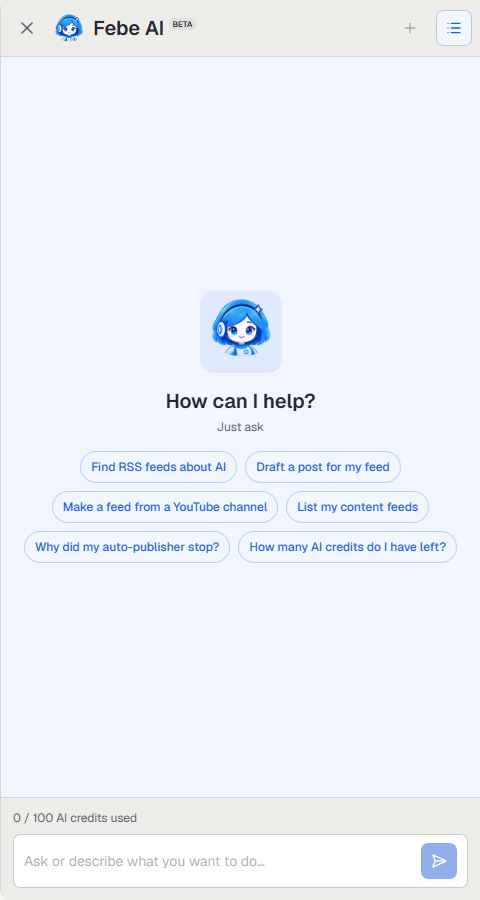
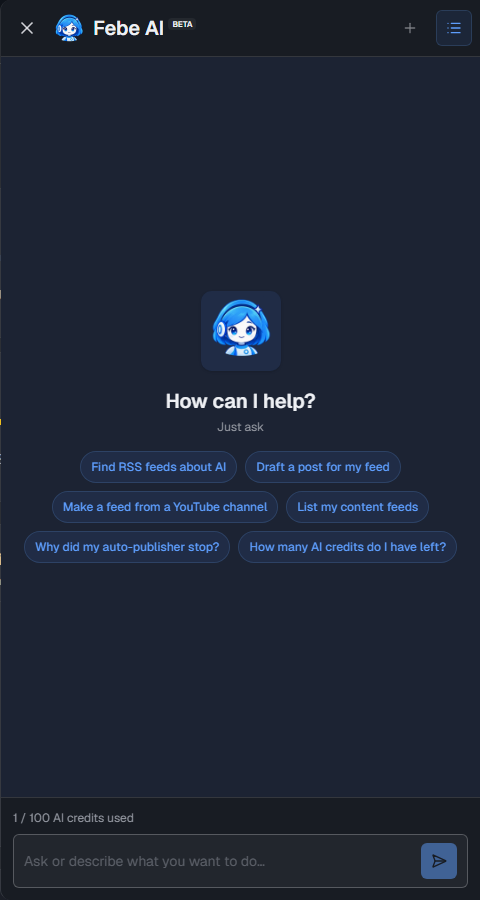
Type into Ask or describe what you want to do… and press Enter. Or select one of the suggestions. The suggestions change with the page you are on.
What Febe can do
Section titled “What Febe can do”- Find content: search your feeds and posts, find new RSS feeds in Discover, or search Feedigy’s blog and these docs.
- Write: draft a post, rewrite your text, or suggest tags. Febe opens the post editor with the text filled in, so you check it and save it yourself.
- Build feeds: create an original feed, import a feed from a URL, or preview and generate a smart feed from any source.
- Run Auto-Publishers: list them, see their recent runs, pause or resume one, create a draft, or publish the next post now. Ask “Why did my auto-publisher stop?” to check its logs.
- Manage channels: list your connected channels, connect a new one, rename or disconnect one.
- Organise: add tags to feeds and posts, find images in your Media Library and add them to posts.
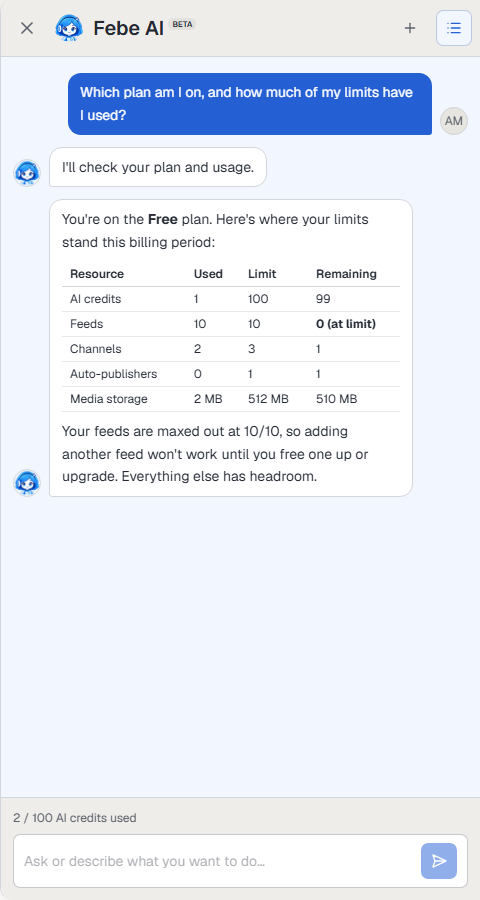
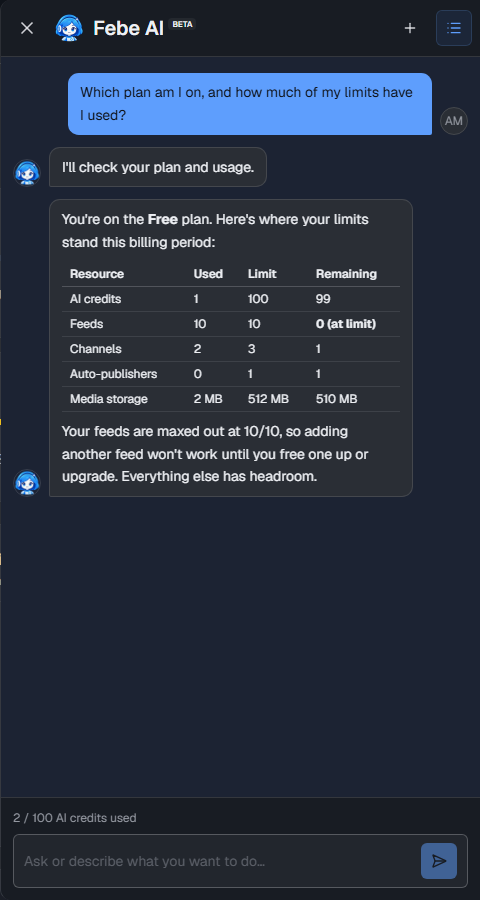
- Answer questions about your account: your plan, what you have used, and how many AI credits are left.
Febe asks before it changes anything
Section titled “Febe asks before it changes anything”When a request changes your account, for example generating a smart feed, disconnecting a channel or publishing a post, Febe shows a card with what it will do. Nothing happens until you select Confirm. Select Cancel to stop.
Searches and drafts need no confirmation. Febe opens the page with the result, and you decide what to save.
Tips for good results
Section titled “Tips for good results”- Say exactly what you want: “Make a smart feed from Reddit posts about home coffee” works better than “make a feed”.
- Name the feed, channel or Auto-Publisher you mean.
- Ask follow-up questions in the same conversation. Febe remembers what you said before, even when you move to another page.
Conversations
Section titled “Conversations”- New conversation (+ at the top) starts a fresh chat.
- Previous conversations (the list icon) shows your earlier chats. Select one to open it again.
- Delete all in that list deletes every conversation with Febe, including the open one. You cannot undo this.
AI credits
Section titled “AI credits”Each message uses AI credits. The line above the message box shows how many you have used this month, for example 2 / 100 AI credits used. Your plan includes AI credits every month. When they run out, buy an AI credit pack. See Add-ons and top-offs.
To use your own AI provider key instead, see Febe AI in Settings.
Keep posting through busy weeks
Set sources, keywords and posting hours once. Feedigy posts to your channels while you work on other things.
No card required. The Free plan has no time limit.