
Reddit feeds
A Reddit feed is a smart feed of posts from Reddit. Use it to follow the communities your audience talks in, to find what people say about your topic, or to see where your website is shared. Reddit feeds need no account: Feedigy reads public Reddit posts.
Create a Reddit feed
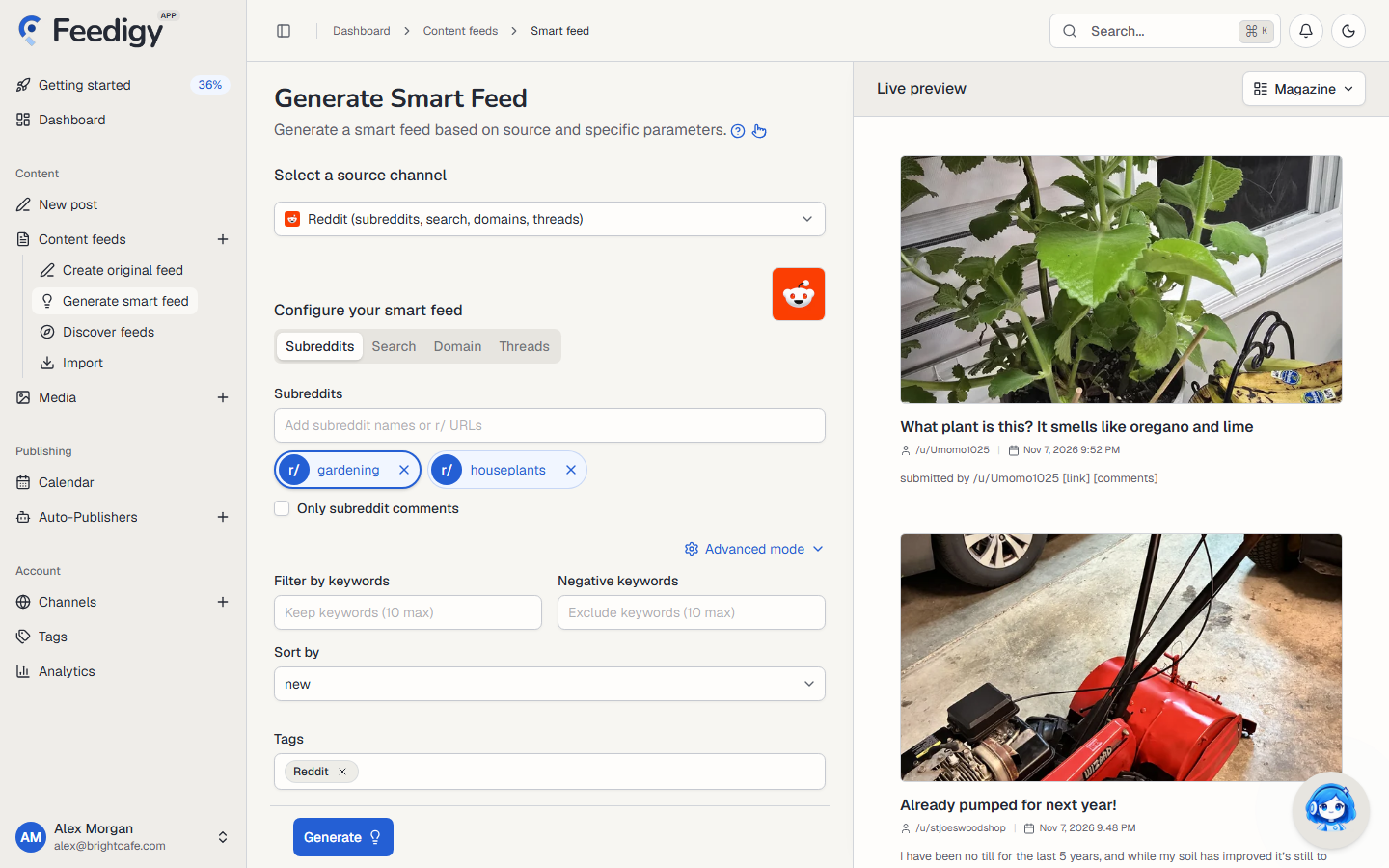
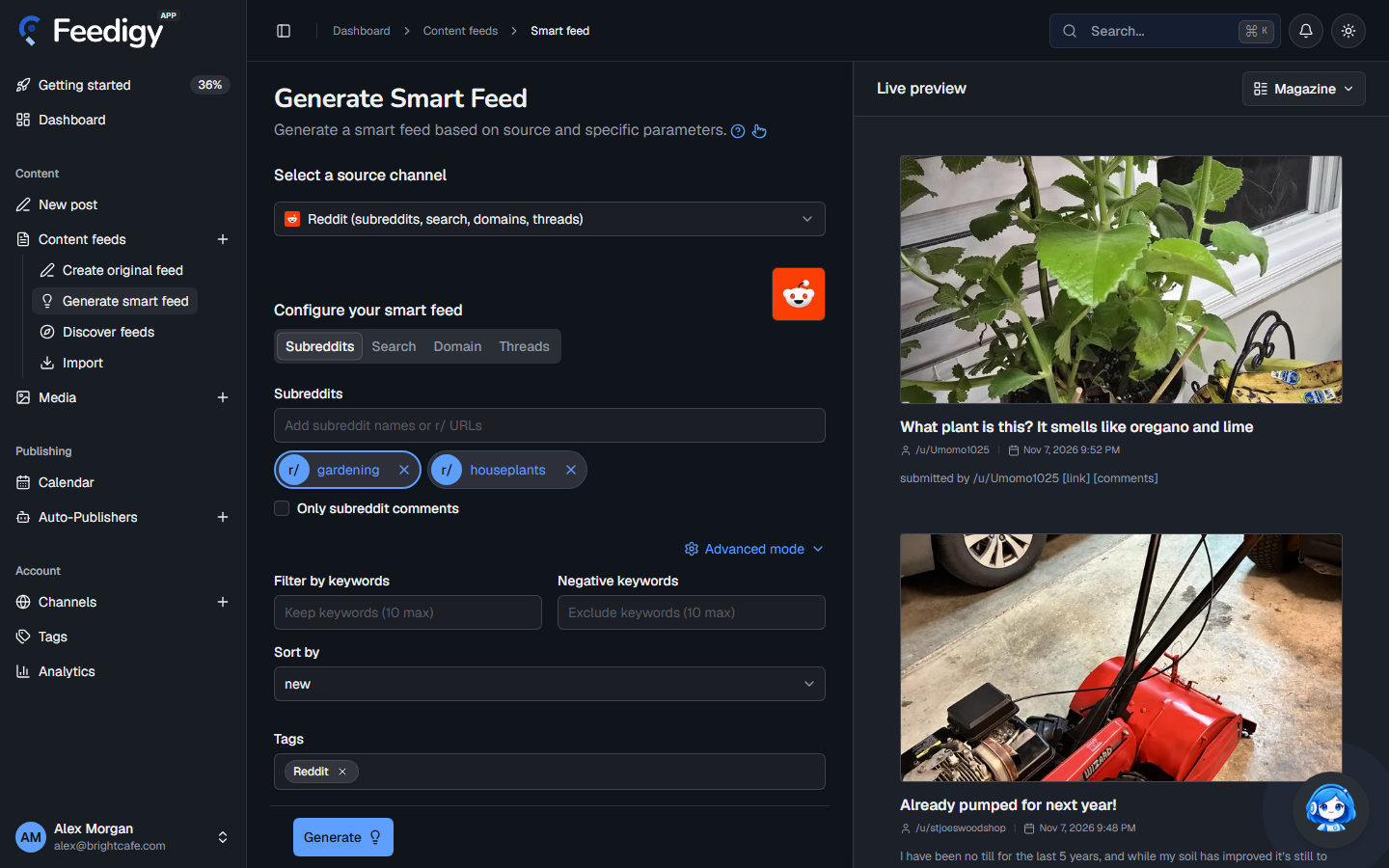
Section titled “Create a Reddit feed”- Open Content feeds in the sidebar, then Generate smart feed.
- In Select a source channel, choose Reddit.
- Choose one of the four tabs and add what to follow (see below).
- Check the posts in Live preview on the right.
- Select Generate.
What to follow
Section titled “What to follow”| Tab | Add | You get |
|---|---|---|
| Subreddits | Subreddit names or links, for example gardening or r/houseplants. |
The newest posts in each subreddit. Tick Only subreddit comments to get the comments instead of the posts. |
| Search | Search queries, for example no dig garden. |
Posts from all of Reddit that match the search. To search inside one community, fill in Restrict to subreddit in Advanced mode. |
| Domain | Website addresses, for example bbc.co.uk. |
Posts that link to that website. Useful to see where your own articles are shared. |
| Threads | The address of one Reddit post. | The comments on that post. |
You can add up to 10 subreddits, searches or domains. Each one becomes its own feed. Select one to preview it alone.
Advanced mode
Section titled “Advanced mode”Select Advanced mode for more options:
- Filter by keywords: keep only posts that contain one of these words (up to 10).
- Negative keywords: skip posts that contain any of these words (up to 10).
- Sort by: the order Reddit returns posts in.
- Subreddits and domains: Hot, New, Top, Rising or Controversial. The default is New.
- Search: Relevance, Hot, Top, New or Comments.
- Time window: with Top or Controversial, choose the period: Past hour, Past day, Past week, Past month, Past year or All time.
- Tags: tags for the new feeds. Reddit is added for you. See Tags.
After you generate
Section titled “After you generate”The new feeds appear on the Content Feeds page with the Smart type. Feedigy refreshes a Reddit feed at most every 30 minutes, when the feed is read. To post the new items to your channels, add the feed to an Auto-Publisher.
Before you repost content from Reddit, check the community’s rules and credit the author.
Keep posting through busy weeks
Set sources, keywords and posting hours once. Feedigy posts to your channels while you work on other things.
No card required. The Free plan has no time limit.